
Auto-Tune Tutorial DVD ASK-Video
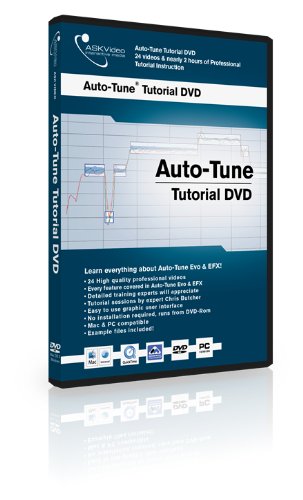
professionelle, hochqualitative Tutorialvideos
benutzerfreundliches GUI
richtet sich an Auto-Tune EVO und EFX User
Mac OSX & Windows kompatibel
Inhalt
1. EVO Intro
2. EVO The Differences
3. EVO Overview & New Features
4. EVO A Quick Example
5. EVO How Auto-Tune Works
6. EVO Automatic Mode 1
7. EVO Automatic Mode 2
8. EVO Graphical Mode 1
9. EVO Graphical Mode 2
10. EVO Correcting an Instrument Track
11. EVO The Auto-Tune Vocal Effect
12. EVO Vibrato
13. EVO Historical, Ethnic & Contemporary Tunings
14. MIDI Keyboard Setup
15. EVO Recording and Using MIDI Tracks
16. EVO Automation
17. EVO The Options Window
18. EVO Outro
19. EFX Intro
20. EFX Overview
21. EFX Correcting a Vocal Track
22. EFX Attaining the Auto-Tune Sound
23. EFX Harmonizing & Automation
24. EFX Outro
Systemvoraussetzung
QuickTime 7.x Mac/PC (im Paket enthalten), DVD-Rom Laufwerk. Bildschirmauflösung mindestens 1024 x 768 Pixel.
PC: Windows XP Home/Professional, Intel Pentium/AMD Athlon 800 MHz oder schneller, 256 MB RAM. Windows MME/DirectSound Treiber.
MAC: kompatibel ab Mac OS X v10.2, Power Mac G4 867 Mhz oder schneller, 256 MB RAM, Soundkarte